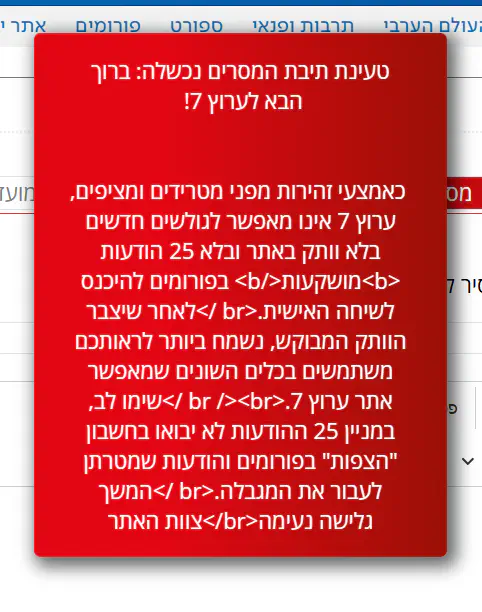
בדקות האחרונות -
קיבלתי את ההודעה הבאה -
This webpage is not available
Google Chrome cannot reach the website. This is typically caused by network issues, but can also be the result of a misconfigured firewall or proxy server.
Here are some suggestions:
- Reload this webpage later.
- Add Google Chrome as a permitted program in your firewall's or antivirus software's settings. If it is already a permitted program, try deleting it from the list of permitted programs and adding it again.
- If you use a proxy server, check your proxy settings or contact your network administrator to make sure the proxy server is working. If you don't believe you should be using a proxy server, adjust your proxy settings: Go to the Chrome menu >Settings > Show advanced settings... > Change proxy settings... > LAN Settings and deselect the "Use a proxy server for your LAN" checkbox.
Error 109 (net: RR_ADDRESS_UNREACHABLE): Unable to reach the server.
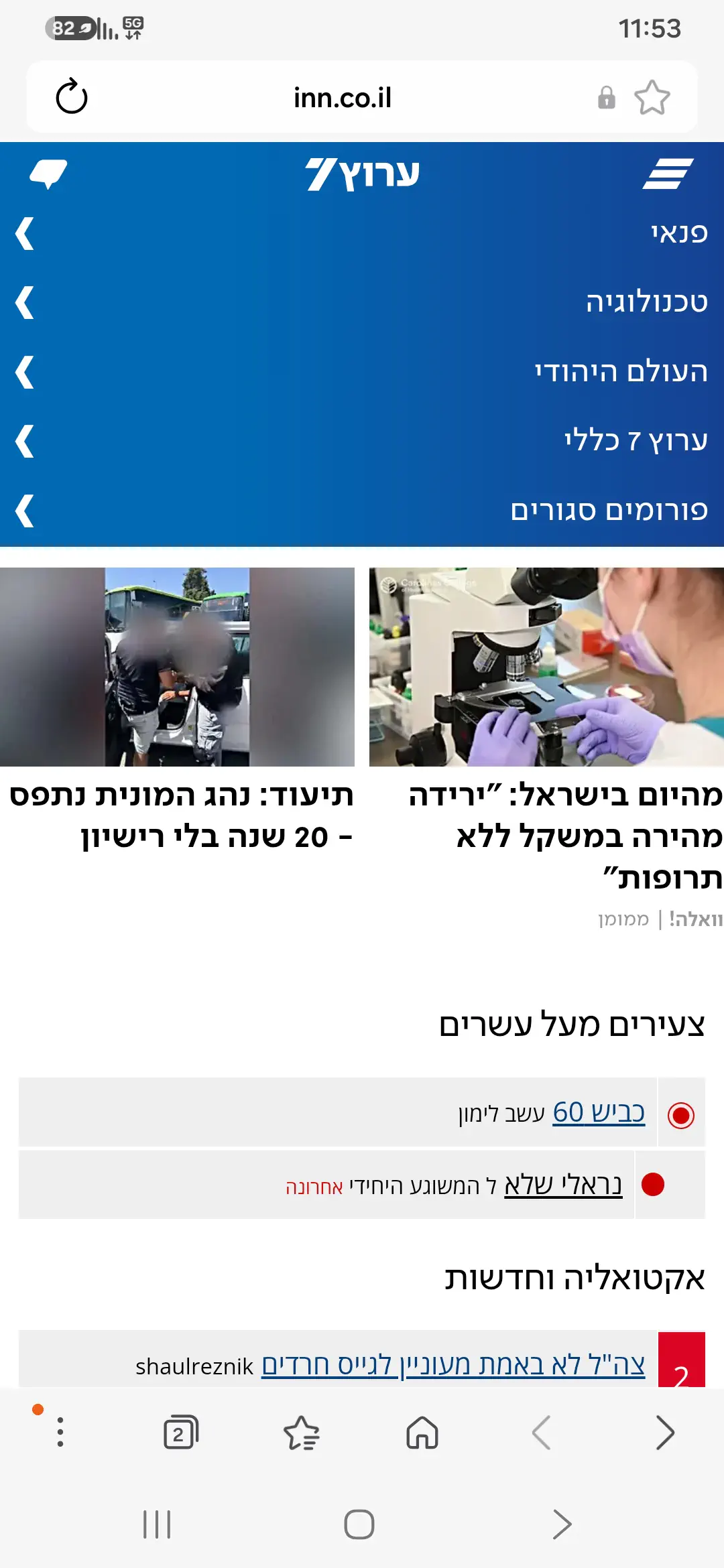
RR_ADDRESS_UNREACHABLE): Unable to reach the server.קרה לי כבר כמה פעמים בתקופה האחרונה, הספק רימון. הצלחתי להכנס לאתר כדי לכתוב את זה דרך חדשות גוגל, ומשם לאחת הכתבות.